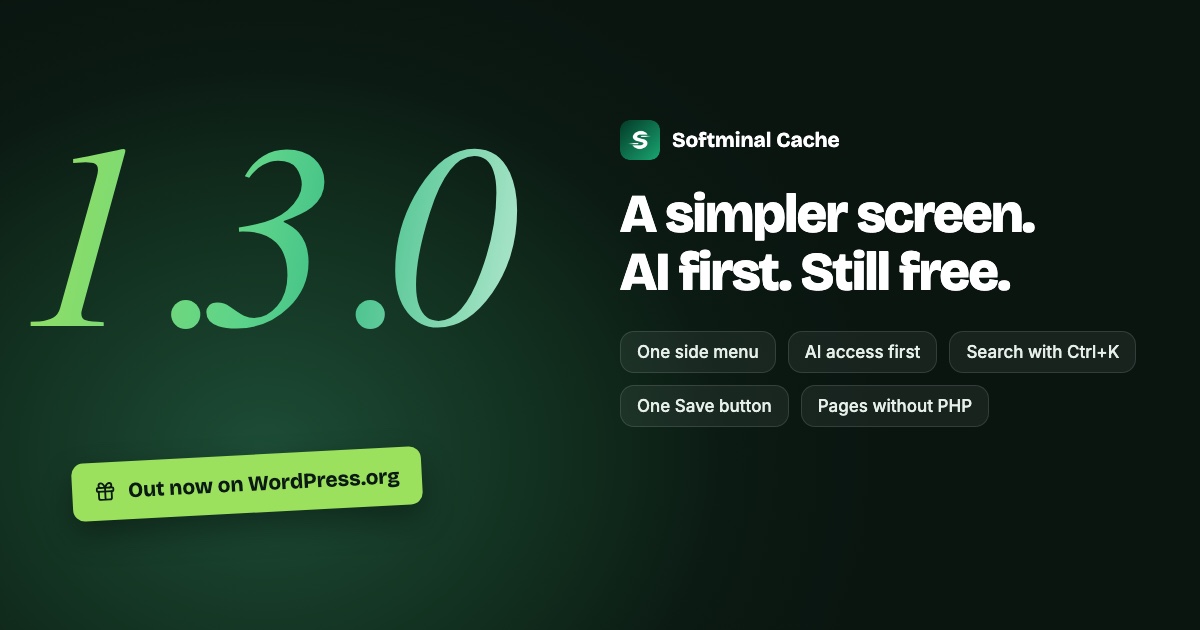
Softminal Cache 1.3.0 is out. This time we rebuilt the plugin screen so that every option is easy to find and easy to manage. AI access now comes first. And for even faster pages, your server can now send cached pages without starting PHP. As always, everything is free.
One side menu for everything
Before, some tabs had a side menu and some did not. Now there is one side menu, the same on every screen:
- Overview, then AI access, Cache, Optimize, Database and Tools.
- A dot next to each part: green means on, grey means off, orange means it needs one step from you.
- Own pages for Preload, Speed hints, HTML and Profiles, so they are easy to find.
- Purge cache and Preload are always at the top.
AI access comes first
AI access is now right under Overview, in its own box. The Overview also opens with an AI card. When AI access is off, it shows what you can ask and a button to connect Claude, ChatGPT or another AI app. When it is on, it shows your connected apps and any request that waits for your OK.
Search every setting
Press Ctrl+K (⌘K on a Mac) and type a word, like gravatar or defer. Softminal Cache opens the right page, opens any folded part and shows the setting. You can also search for pages and for actions like Purge or Safe Mode.
One Save button
Cards no longer have their own Save buttons. Change anything and a Save bar comes up at the bottom. One click saves every change on the page, and the change is checked on your site. If you try to leave with changes not saved, Softminal Cache asks first. You can also press Ctrl+S.
Serve cached pages without PHP
Under Cache → Browser and server, a new switch lets your web server send cached pages straight from disk, without starting PHP or WordPress. It works on Apache, LiteSpeed and Nginx. Softminal Cache first checks that your server really does it, so nothing breaks. It is off by default.
Smaller things
- Smooth movement on switches, buttons and pages. It turns off if your computer asks for less motion.
- Safer AI access: an AI app now needs your approval before it changes cache exclusions or cookies.
- Translations: all new text is in Spanish, French, German, Italian, Portuguese (Brazil), Japanese and Dutch.
Still free. Always.
There is no Pro version, no licence and no account with us. Every feature in this post is free.
How to update
Go to Dashboard, then Updates in WordPress, and update Softminal Cache. Your settings stay the same. Old links to plugin pages still work.
If you have any question or face any problem, please do write to us at support.softminal.com. Our team reads every message.
Leave a Reply