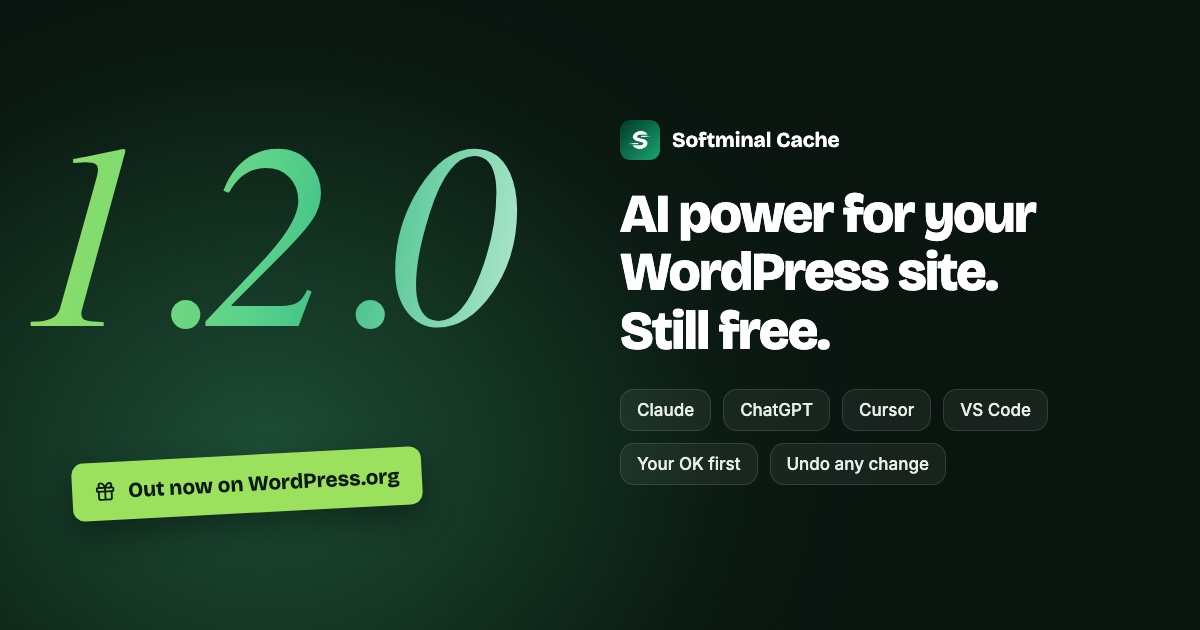
Softminal Cache 1.2.0 is out, and it is our biggest update so far. Now you can talk to your cache through an AI app like Claude or ChatGPT. Ask in plain words, and get answers from your own site. As always, everything is free.
Ask your site, in plain words
Until now, you had to open the plugin and read its screens to know what your cache was doing. Now you can simply ask:
- “Is my homepage cached?”
- “Why is my shop page not cached?”
- “What is my Google PageSpeed score?”
- “Clear the cache of my blog page.”
- “Turn on HTML minify. If something breaks, undo it.”
The AI app asks Softminal Cache, and Softminal Cache answers with facts from your site. So the answer comes from your site, not from a guess.
Works with the apps you already use
- Claude: the website, the desktop app and Claude Code.
- ChatGPT
- Cursor and VS Code
- Any other app that supports MCP, the open way for AI apps to use tools.
Connecting Claude or ChatGPT is easy. Copy one address from the new AI tab, paste it in the app, and click Allow on your own WordPress site. You never share your password. For Cursor and VS Code, the AI tab shows a ready setup you can copy.
Your site needs to be online, with https. AI apps cannot reach a site that only runs on your computer.
You stay in control
- Off by default: nothing happens until you turn on AI access in the AI tab.
- Only look, or look and change: you choose this for each app.
- Risky actions wait for you: cleaning the database, restoring old settings or loading files from another site needs your OK. You get an email, and you click Approve or Deny in WordPress.
- Every action is listed: AI → Activity shows what each app did, and when.
- Undo any change: every settings change goes into your history. Undo it with one click, or ask the AI to undo it.
- Disconnect in one click: remove any app under Connected apps.
- Only administrators can connect apps.
For developers
Softminal Cache also works with the WordPress Abilities API (WordPress 6.9 and newer) and the MCP Adapter plugin. Every tool is a WordPress ability too.
Do not want AI on a site at all? Add this one line to wp-config.php, and AI access is fully off:
define( 'SOFTMINAL_CACHE_AI_DISABLED', true );A cleaner plugin screen
- Side menu: Cache and Optimize now have a side menu, and each section has its own address, so you can bookmark it.
- Own sections: Exclusions and Cache rules are easier to find.
- Shorter text: every card says less. The details sit behind a small (i).
- Translations: all new text is in Spanish, French, German, Italian, Portuguese (Brazil), Japanese and Dutch.
Still free. Always.
There is no Pro version, no licence and no account with us. AI access is free too. You only use your own AI app, on your own plan.
How to update
Go to Dashboard, then Updates in WordPress, and update Softminal Cache. Your settings stay the same. Then open the new AI tab to connect your first app.
If you have any question or face any problem, please do write to us at support.softminal.com. Our team reads every message.
Leave a Reply