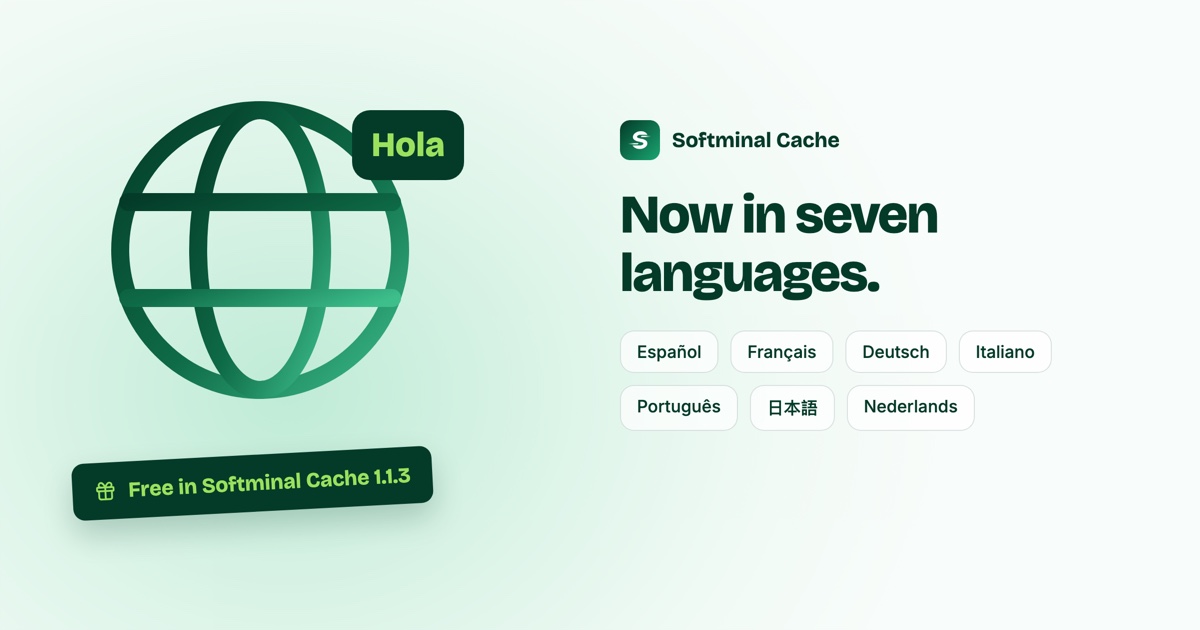
A speed plugin should be easy to understand. That is hard when every button is in a language you do not use every day. So from version 1.1.3, Softminal Cache speaks seven more languages.
The languages
- Español (Spanish, Spain)
- Français (French, France)
- Deutsch (German)
- Italiano (Italian)
- Português do Brasil (Portuguese, Brazil)
- 日本語 (Japanese)
- Nederlands (Dutch)
Every part of the plugin is translated: the Dashboard, every card and setting, the speed audit and its fixes, and the messages you see after you save. Dates and numbers follow your language too.
How to switch
Softminal Cache follows the language WordPress uses for you. Nothing to set up in the plugin.
- Go to Settings, then General, and pick your language under Site Language if you want the whole site in it. Save.
- Or keep the site in English and change only your own screens: go to Users, then Profile, and pick your language under Language. Save.
- Open Softminal Cache. It is now in your language.
Each person gets their own language. On a team, one person can work in German while another works in English, on the same site.
Help us with your language
Is your language missing, or would you word something better? Translations of WordPress plugins live on translate.wordpress.org. Anyone with a WordPress.org account can suggest a translation there, and once a language is ready, WordPress installs it for every site by itself.
Thank you to everyone who helps. It makes a free plugin free for more people.
If you have any question or face any problem, please do write to us at support.softminal.com. Our team reads every message.
Leave a Reply