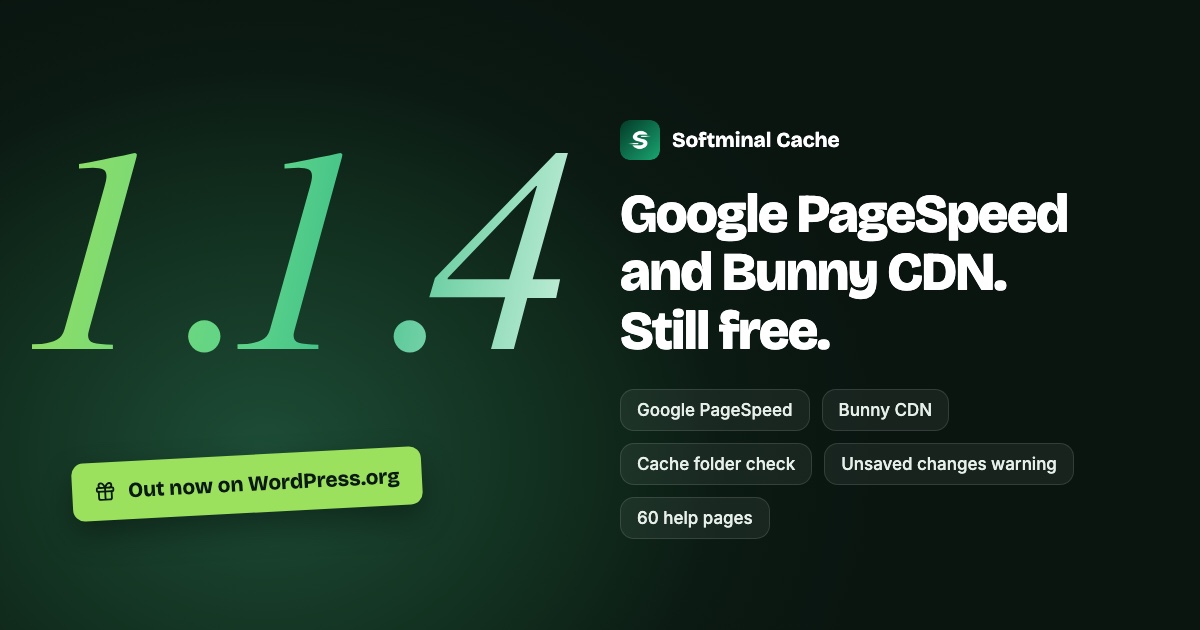
Softminal Cache 1.1.4 is out. It brings two things many of you asked for: Google’s own speed score, and Bunny CDN. As always, everything is free.
Your Google PageSpeed score on the Dashboard
Most people check their speed on Google PageSpeed Insights. Now you can see the same score inside WordPress. Google tests your page on a phone and on a desktop. You see both scores on the Dashboard.
Google also lists what slows your page down. When Softminal Cache can fix one of these things, it says so. One click takes you to the fix.
You need a free Google API key. It takes about two minutes to get one. See our guide: How to check your WordPress speed with Google PageSpeed.
Bunny CDN
We already clear Cloudflare and Varnish with your cache. Now Bunny joins them. Paste your Bunny API key, and Softminal Cache finds the pull zone for your site. When you clear everything, Bunny is cleared too.
With one more click, Use as my CDN, your images, CSS and JavaScript load from Bunny. See the guide: How to clear the Bunny CDN cache automatically.
Is your cache folder closed?
The speed audit now checks if people can open your cache folder from the web. On Apache this is closed for you. On Nginx you must add a few lines to your server. If they are missing, the Dashboard tells you, and shows you what to copy.
The audit also checks what your server really does for browser cache and compression. A setting alone is not enough.
Smaller things
- Unsaved changes: if you leave a screen before you click Save, Softminal Cache asks first.
- Clearer Dashboard: one main button per card, and times like “2 days ago”.
- Fewer warnings: a switch now shows as off when another plugin already does that job.
- 60 help pages: every feature has a short doc page now, in simple English.
- Translations: all new text is in Spanish, French, German, Italian, Portuguese (Brazil), Japanese and Dutch.
How to update
Go to Dashboard, then Updates in WordPress, and update Softminal Cache. Your settings stay the same.
If you have any question or face any problem, please do write to us at support.softminal.com. Our team reads every message.
Leave a Reply